World Programming CompetitionSEASON 2026—2027
← News

RC.CODE · A NEW SEASON

Solar System.Enter Orbit.

RC.CODE World Programming Competition is ROBOTCHALLENGE’s international youth programming competition brand, open to young people worldwide.

Two competitions
  • RC.CODE World Online
  • RC.CODE Grand Prix

Four events in each competition

Scratch
Python
C++
Individual problem solving
CreatiCode
Original project assessment

Competitions and entry routes

RC.CODE
World Online

Competitors take part locally through the online competition system.

  • Scratch, Python, C++

    Individual, timed problem-solving competitions. Competitors complete multiple-choice and programming questions online in their chosen language and group.

  • CreatiCode

    An assessment of individual, original programming projects. Competitors worldwide submit online through the official registration system, providing a runnable project and supporting introduction materials.A separate schedule, with no preliminary round.

Entry routes for the three languages
Competitors in ChinaQualify through monthly preliminariesEarn a place for the corresponding language and group
Competitors in other countries and regionsContact RC.CODE for information about local competitions and organisational arrangements.China preliminaries are not required
One global online final
RC.CODE
Grand Prix

Competitors from different countries meet in person for programming contests, project assessments and exchanges at the same venue.

  • Scratch, Python, C++

    Individual, timed problem-solving contests organised by language and group. Competitors work independently and submit their programs on site.

  • CreatiCode

    Individual, original programming projects are presented and assessed on site. Competitors demonstrate their projects and explain the idea, implementation and creative process.

  • Two-person Alliance Challenge

    Open to all groups in the three languages. After the individual contest, competitors in the same language and group form two-person alliances on site, solve problems together within a time limit, and are ranked by team performance.

2026–2027 SEASON

What’s new this season

  1. More groups, with new syllabuses

    Scratch, Python and C++ each expand from two groups to four groups, A–D, allowing more precise assessment at each learning stage.

  2. CreatiCode · the Solar System theme

    With Groups A and B, express your vision of the Solar System through an original individual project.

  3. The new RC.CODE website is live

    Find resources, explore past papers and choose practice activities—all in one place for preparation and teaching.

EVENTS AT A GLANCE

Choose how youexpress yourself in code.

Solve problems with code

Each online contest lasts 90 minutes. Work independently through 5 multiple-choice and 5 programming questions. Choose a language, then select a group based on the age requirements and knowledge scope.

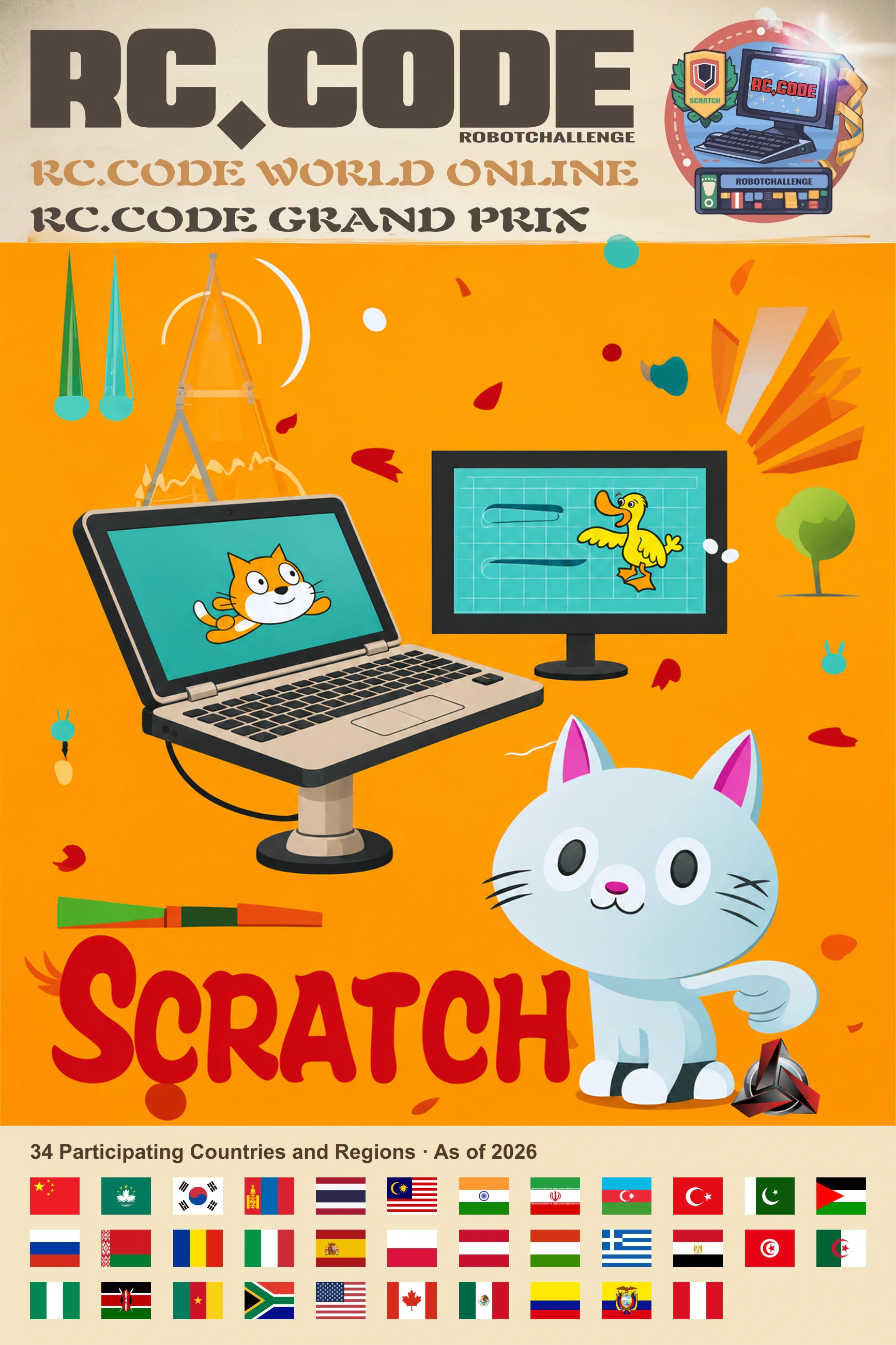
Official Scratch event poster from a previous season
Scratch
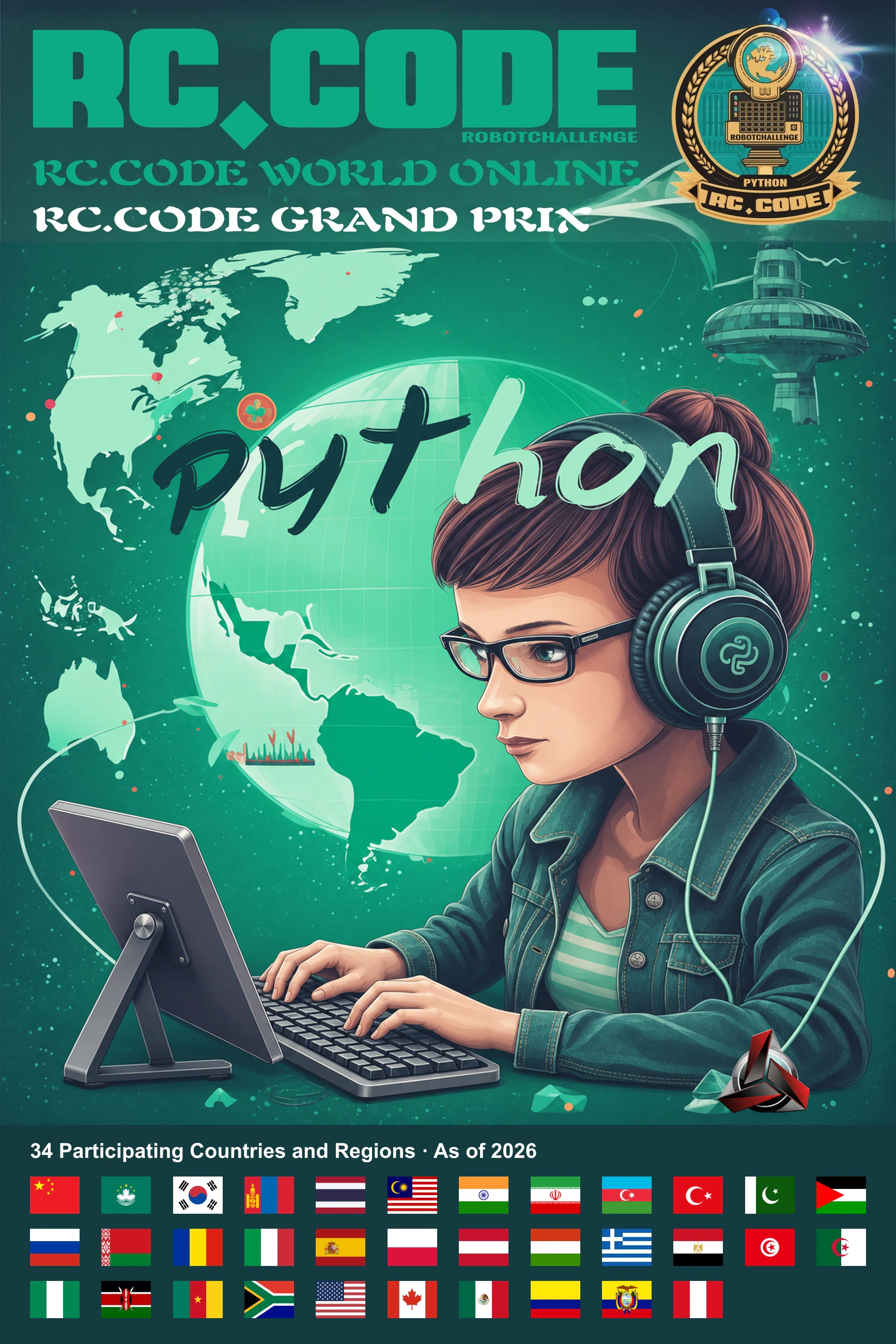
Official Python event poster from a previous season
Python
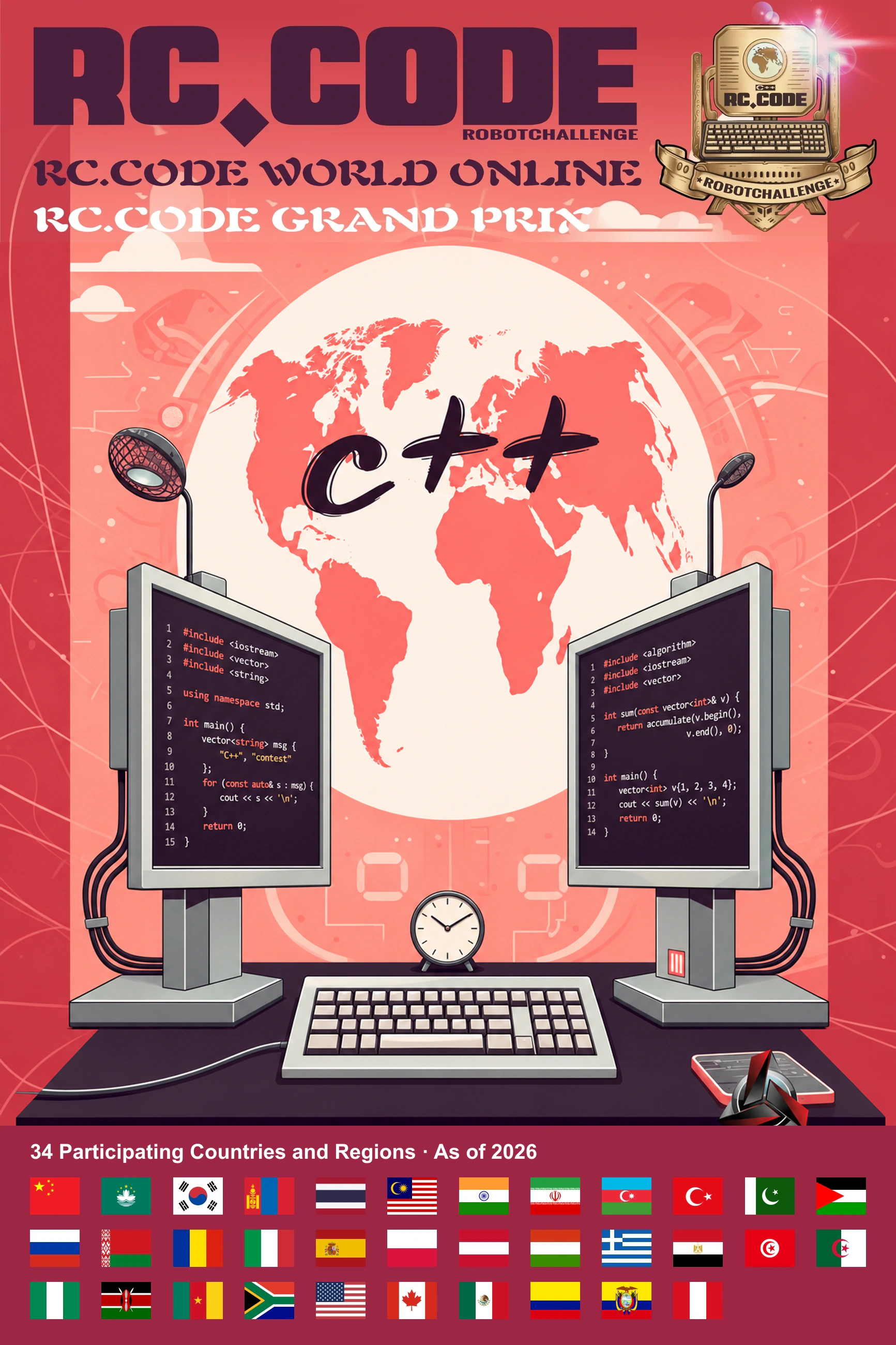
Official C++ event poster from a previous season
C++

Compete with a project

Original individual projects · Groups A / B

Create a game, animation or simulated experiment, turning an idea into a runnable project. Demonstrate it to explain your concept and how you implemented it.

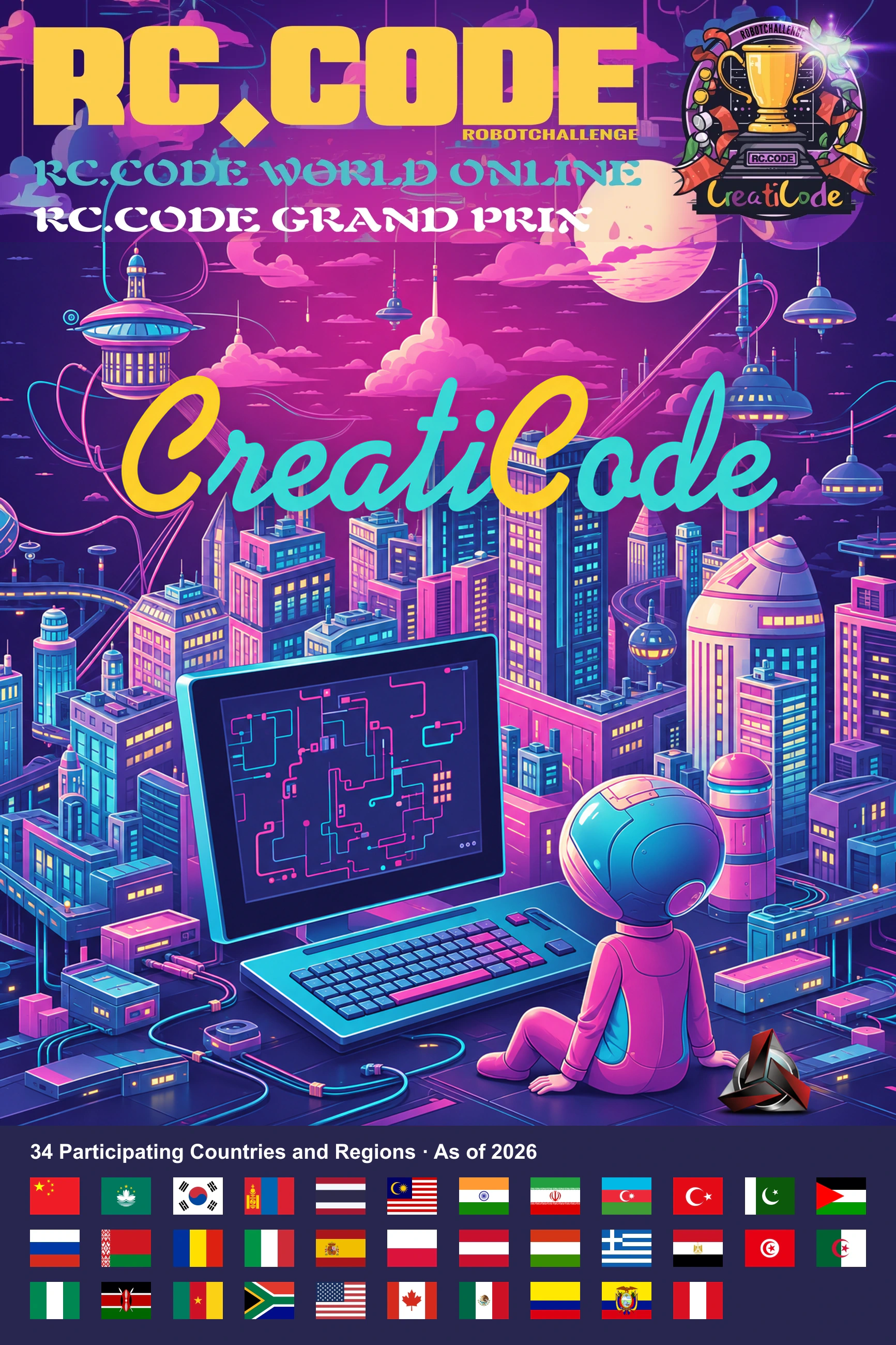
Official CreatiCode event poster from a previous season
CreatiCode

GLOBAL PARTICIPATION / FROM LAUNCH TO MEETING TOGETHER

Meet fellow programmers
from around the world.

2024

The ROBOTCHALLENGE International Organising Committee and academic and organisational partners from 18 countries jointly launched RC.CODE.

PARTICIPATION RECORDS · 2025–2026 SEASON

RC.CODE World Online Final

Countries and regions represented
34
Recorded participants
7,030

RC.CODE Grand Prix

Countries represented
18
Recorded participants
620
2025–2026 World Online Final: 34 countries and regionsThe 34 countries and regions represented at the 2025–2026 World Online Final span Asia, Europe, Africa and the Americas. The map and coordinates are based on the RC.CODE website.ChinaMacao, ChinaSouth KoreaMongoliaThailandMalaysiaIndiaIranAzerbaijanTürkiyePakistanPalestineRussiaBelarusRomaniaItalySpainPolandAustriaHungaryGreeceEgyptTunisiaAlgeriaNigeriaKenyaCameroonSouth AfricaUnited StatesCanadaMexicoColombiaEcuadorPeru
World Online Final participationAsia · Europe · Africa · the Americas
RC.CODE World Online · competitors

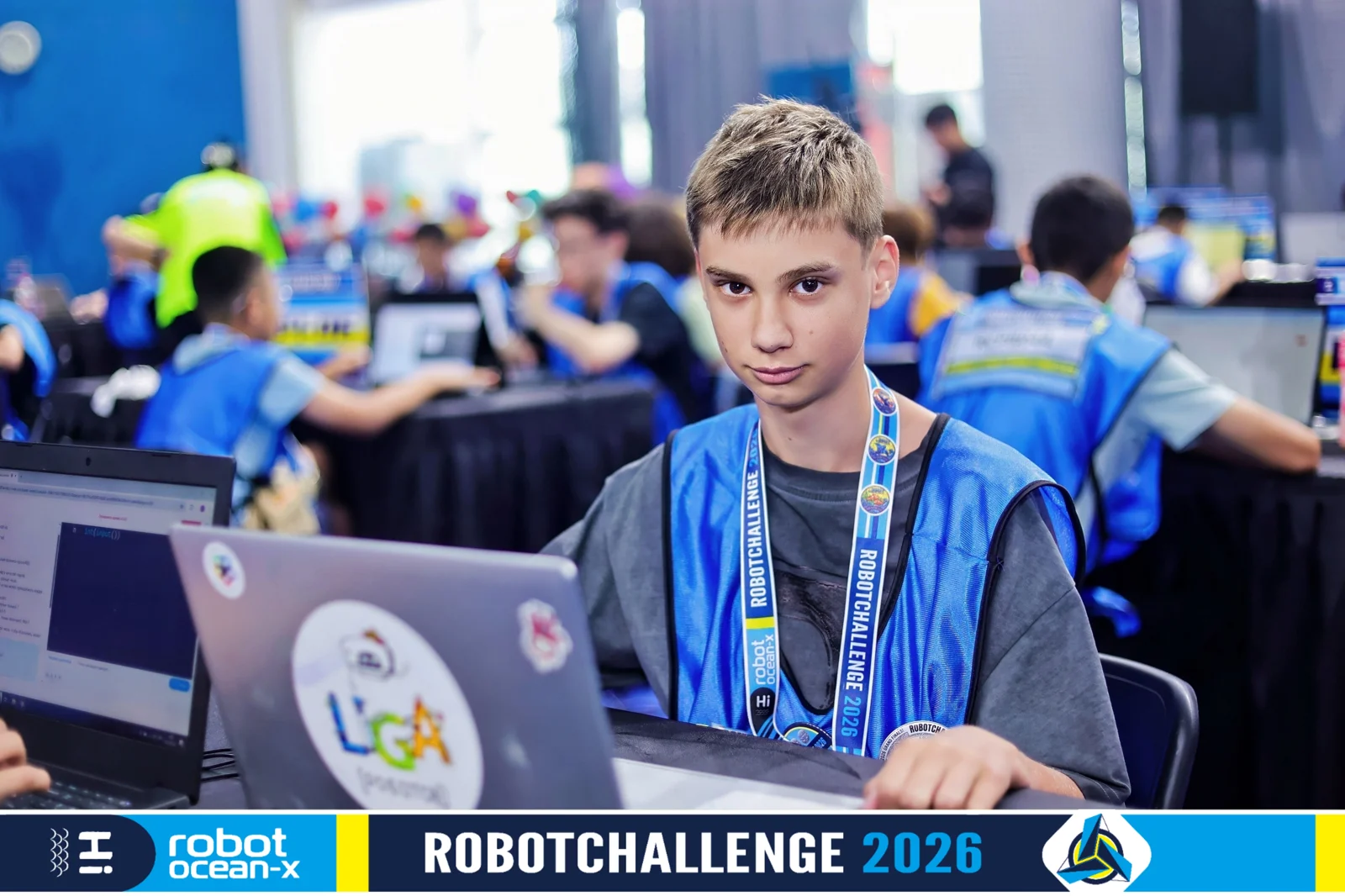
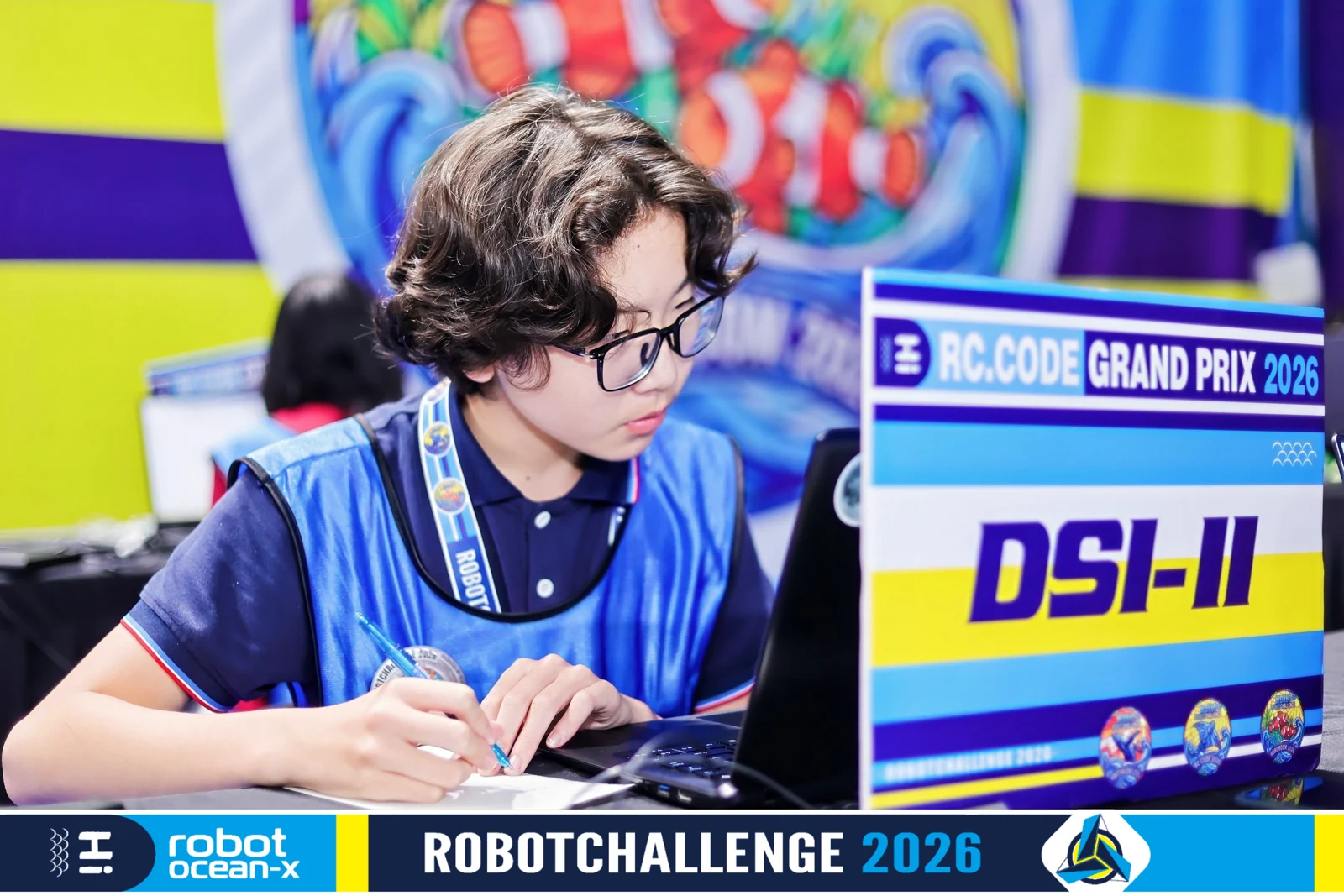
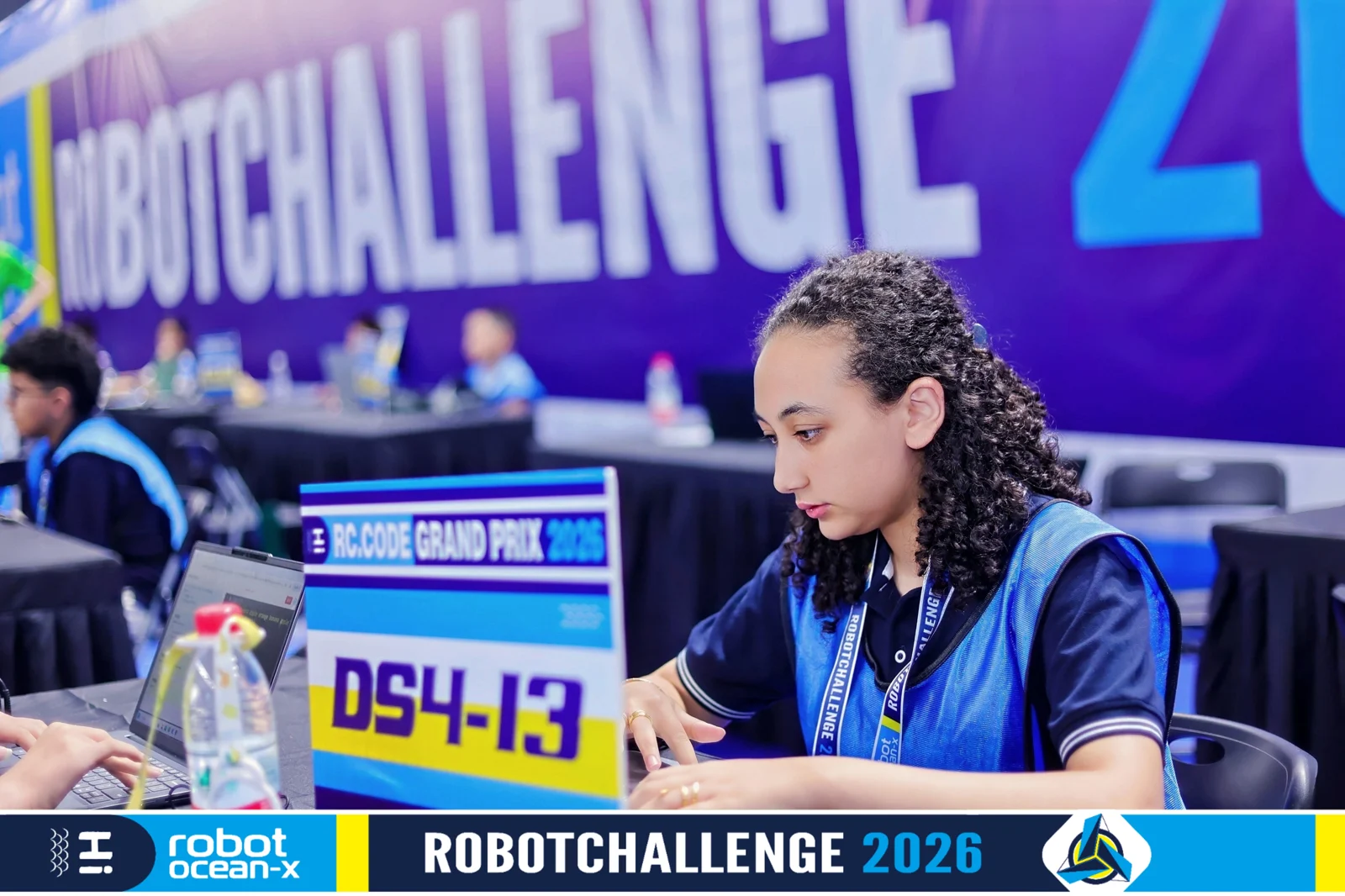
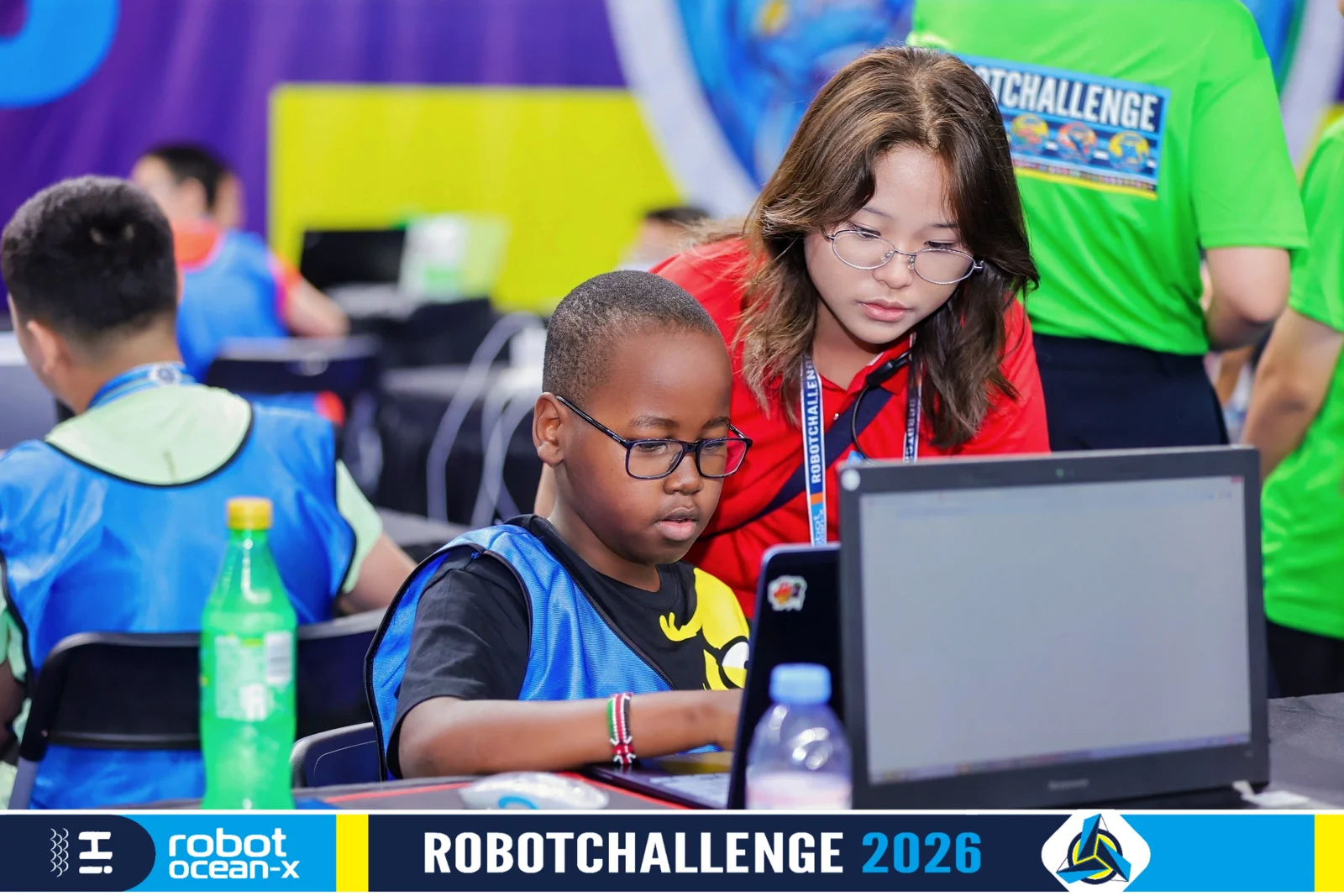
Competitors at the Grand Prix

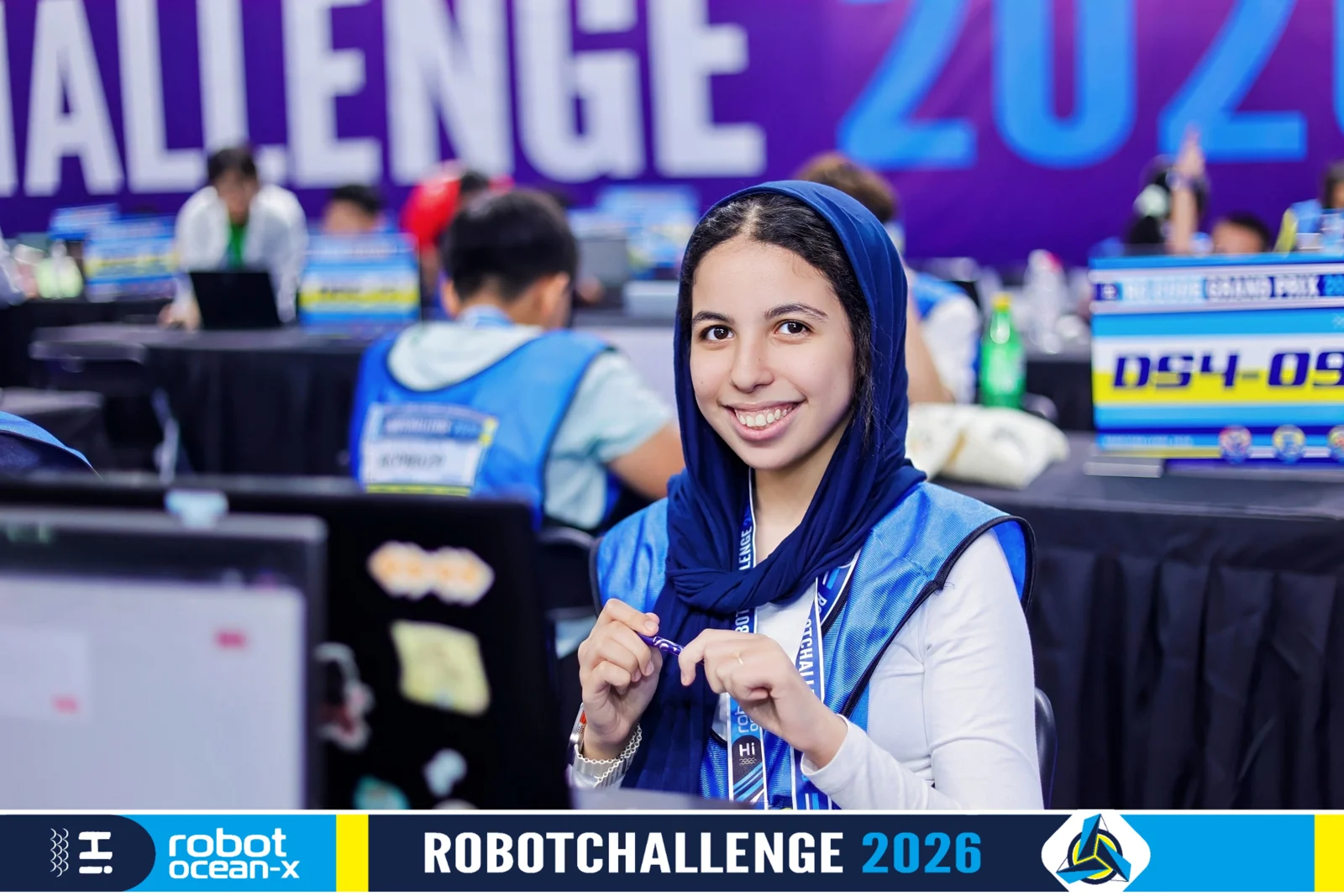
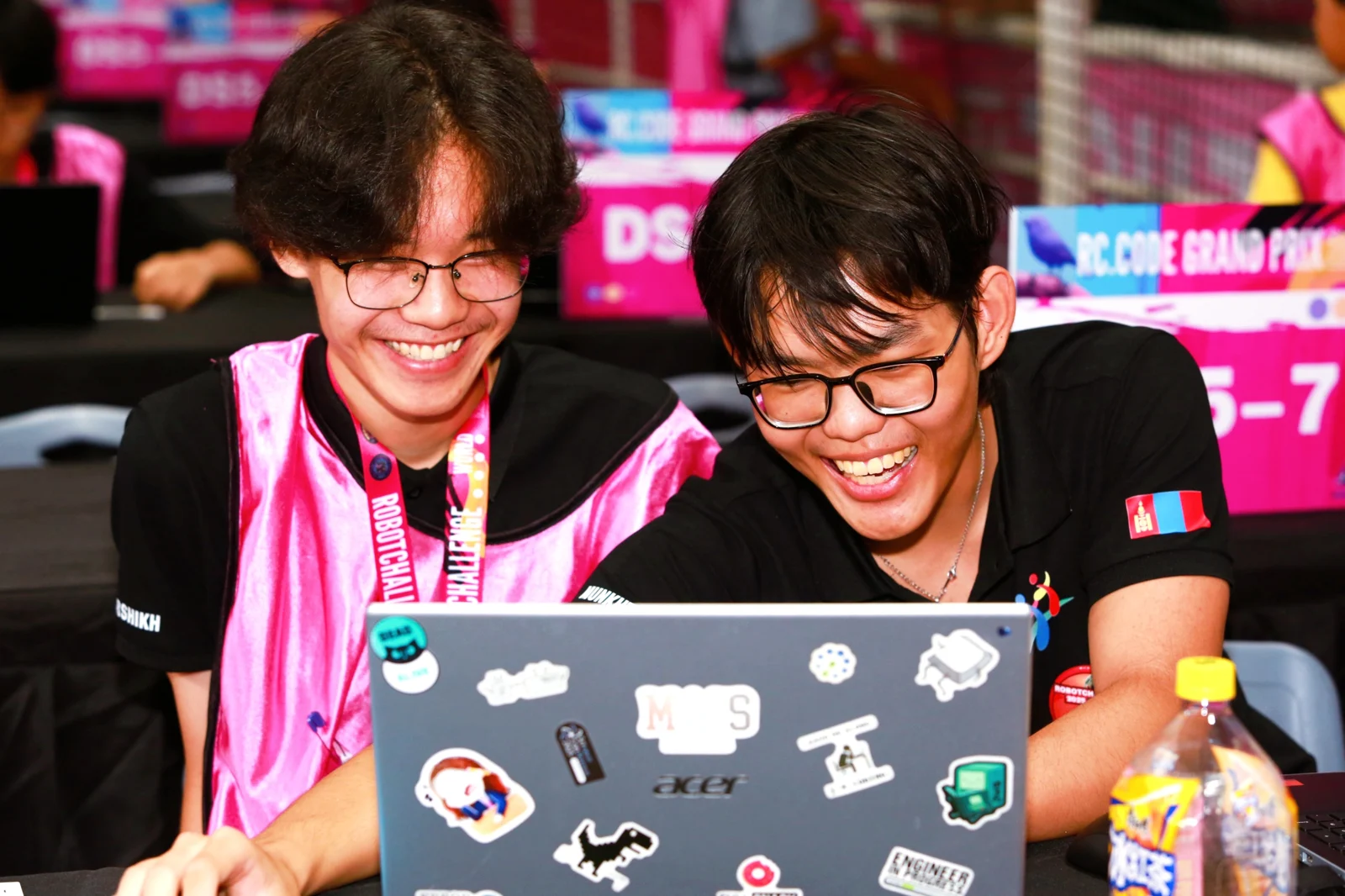
A smile at the competition desk
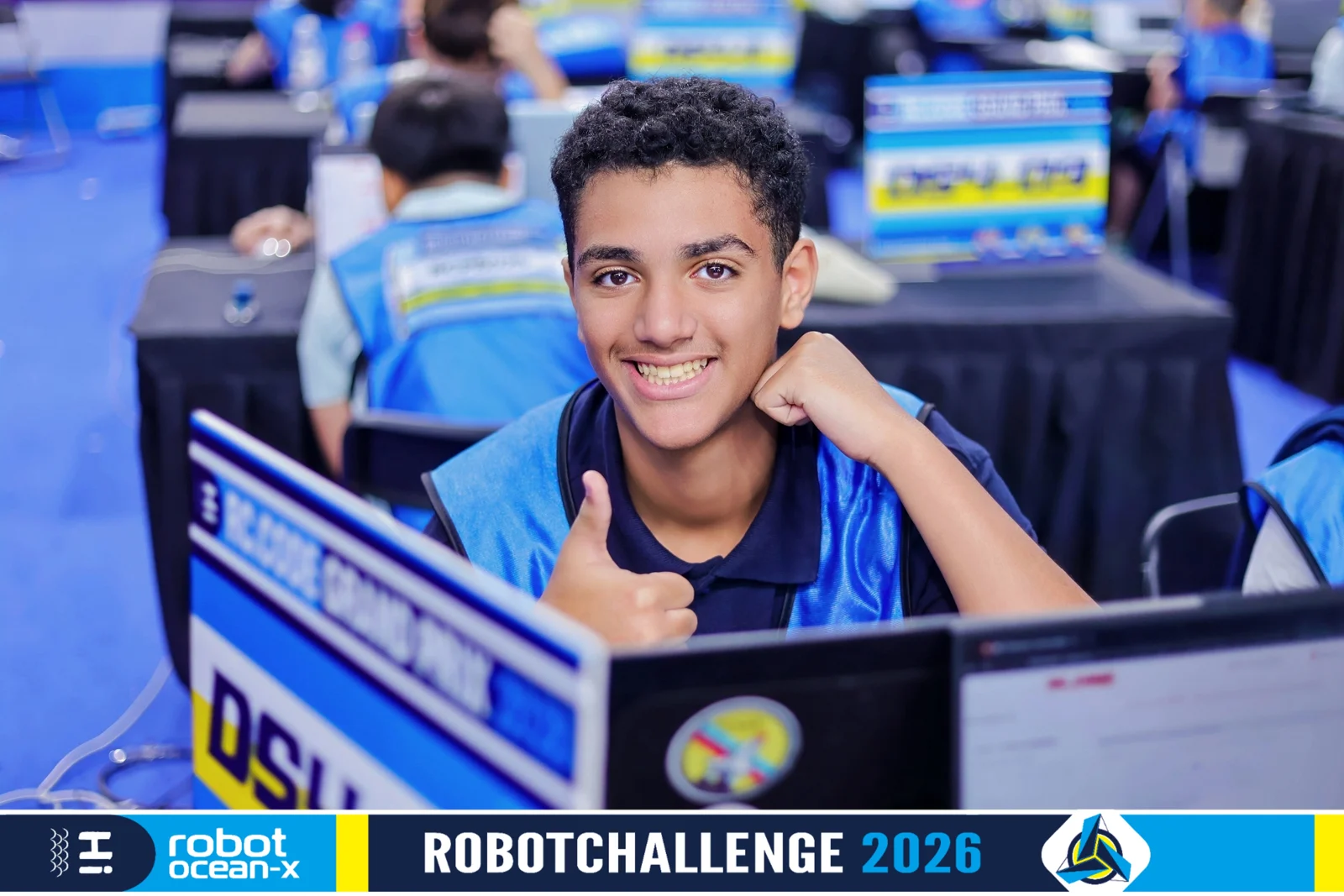
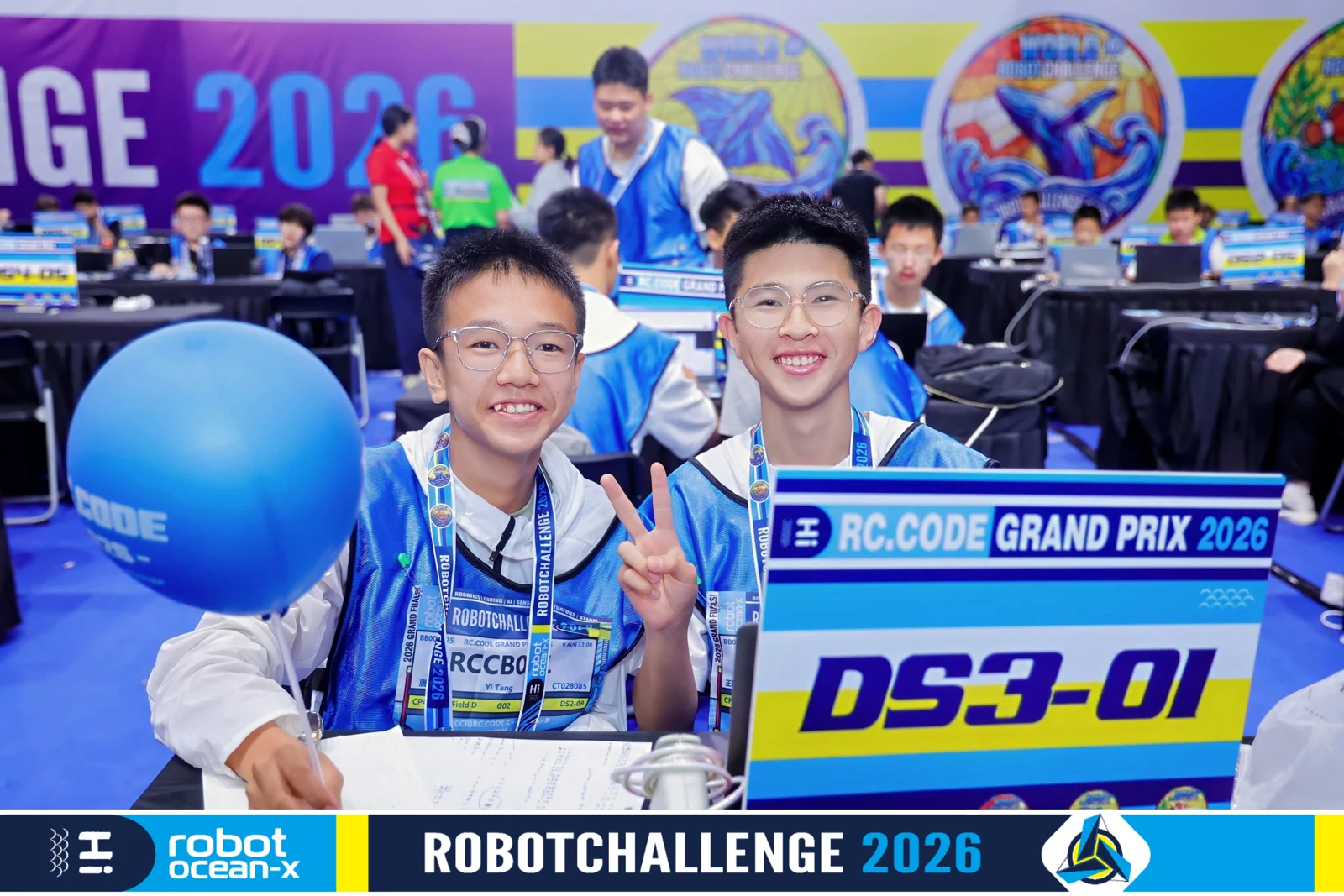
Thumbs up for a memory
Back at the computer, back to the program

Thinking and doing

Writing a solution on paper
Looking through the materials at hand
Two people looking at a computer screen together
Careful assistance from the staff

Conversations and shared memories

Alliance Challenge teammates discussing a solution
Earning a balloon in the Alliance Challenge
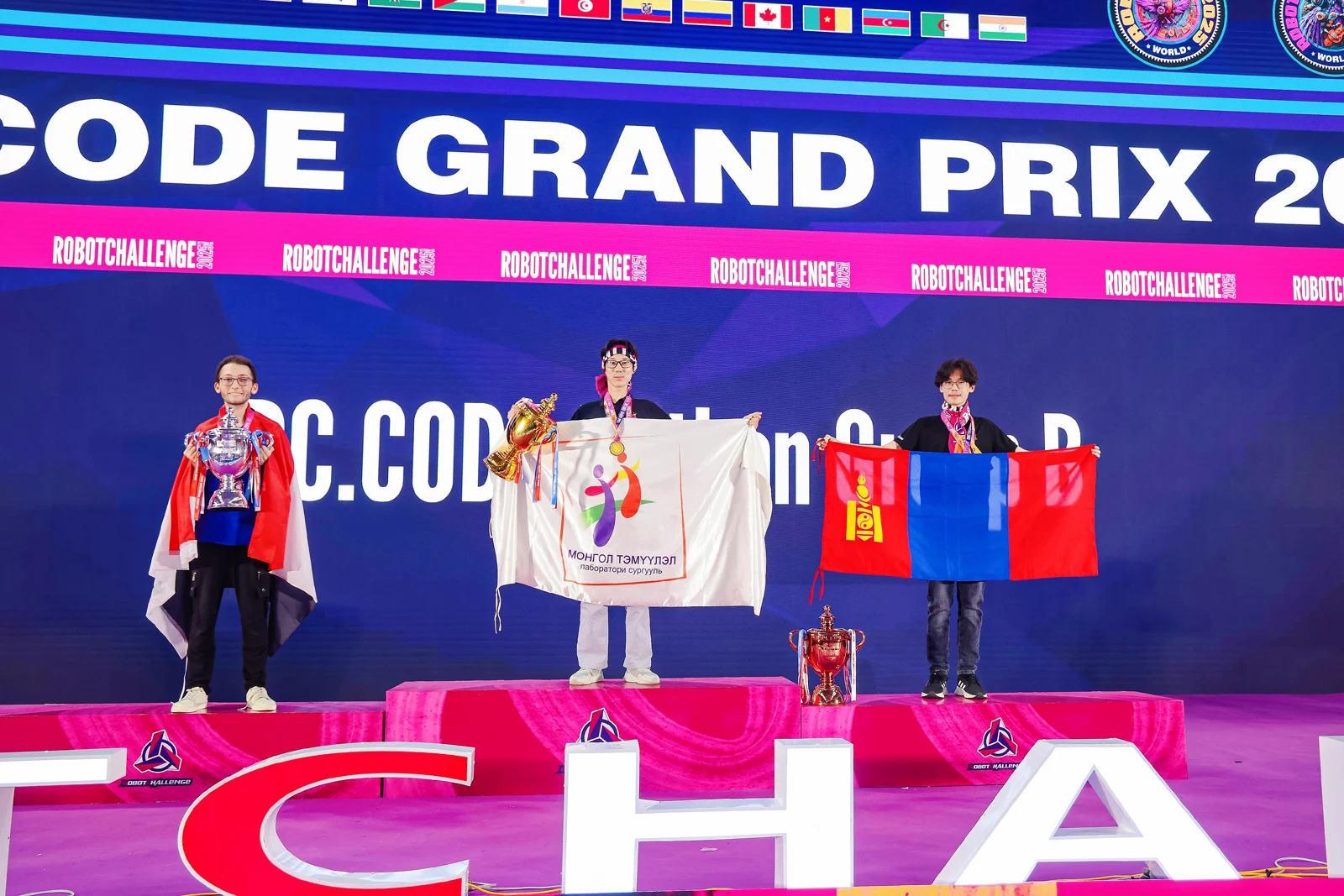
A group photograph on the awards stage

NEW THIS SEASON / THREE LANGUAGE SYLLABUSES

Every language:from two groups to four.

This season, Scratch, Python and C++ each expand from Groups A and B to Groups A–D. More finely defined groups enable more precise assessment at different learning stages, helping competitors and teachers see current abilities and identify what to learn next.

Previously, in each language
AB
This season, in each language
ABCD
12 groups
3 languages × 4 groups

Scratch

From one sprite’s actions to working together

Start by controlling a single sprite, then learn to coordinate several sprites and organise programs using lists and custom blocks.

Group A
Events, motion and basic control
Age ≤ 8
Group B
A single variable, pen and interaction
Age ≤ 9
Group C
Multiple variables and sprite coordination
Age ≤ 11
Group D
List algorithms and custom blocks
Age ≤ 13

Python

From basic calculations to working with data

Start with input, calculations and conditions. Progress to statistics and sorting with lists, data processing with functions, then binary search and recursion.

Group A
Input/output and basic control
Age ≤ 10
Group B
One-dimensional data, statistics and sorting
Age ≤ 12
Group C
Functions, two-dimensional tables and dictionaries
Age ≤ 15
Group D
Record processing, binary search and recursion
Age ≤ 18

C++

From step-by-step simulation to search and planning

Start by following given steps to complete a task. Progress to arrays and functions, then use graph search and basic dynamic programming to solve more complex problems.

Group A
Basic syntax and direct simulation
Age ≤ 10
Group B
Arrays, strings and statistics
Age ≤ 12
Group C
Functions, data organisation and algorithms
Age ≤ 15
Group D
Graph search and basic dynamic programming
Age ≤ 18

CREATIVE THEME / SOLAR SYSTEM

Use code to createyour Solar System.

This season’s CreatiCode theme is the Solar System. Each competitor independently creates one runnable project. Tell a story of interstellar travel, invite people to explore a star map, or simulate celestial motion in code. The format and perspective are yours to choose.

Group A Age ≤ 10
Use block-based programming to create an animation or an interactive process.
Group B Age ≤ 14
Use block-based, text-based or mixed programming, with decisions, state changes or data processing affecting the project’s outcome.
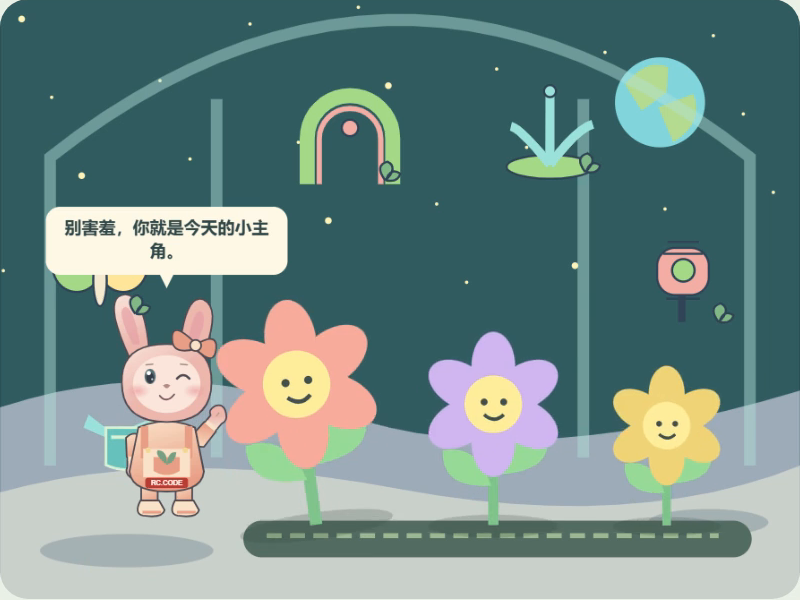
A rabbit in a lunar garden tells three flowers: Don’t be shy—you’re today’s little star.
Moon Garden PartyCODE creative activity · Scratch example project

NEW THIS SEASON / PREPARATION AND TEACHING

The new RC.CODE websiteis live.

Official RC.CODE websitewww.rc-code.com

The new website brings competition information, online practice and teaching resources together in one place. Competitors can move from understanding requirements and choosing a group to practising. Teachers can plan training against the syllabus and use judging feedback and explanations to decide what to teach and practise next.

Illustration from the website homepage: a student programming in front of a world map
Illustration from the RC.CODE homepage
  1. Read competition resources

    Syllabuses define the learning scope; rules and season notices explain participation requirements. Find the latest versions together, with less searching across separate sources.

  2. Choose how to practise

    Explore question types in past papers, check specific knowledge points with targeted self-tests, then try a complete sample paper. Choose the activity that suits your current goal.

  3. Learn from your results

    Use scores, answers and explanations to identify specific problems, then revise and test your program. Let this guide the next explanation or practice session.

  4. Support classroom teaching

    Introductory lessons support teaching with past questions; themed activities connect knowledge to a context; the creative project guide helps students complete and explain individual projects.

One past paper.
Three ways to use it.

Under Practice & Challenges → Past Papers on the website, find the original Group A papers for all three languages from the 2025 World Online Final. Each has 10 questions and retains that year’s knowledge scope. Competitors can explore real question types, while teachers can select a question for explanation and practice.

Read past questions

Browse the questions and choose ones suited to you.

Practise one question

Submit a solution, read the score and explanation, revise it and try again.

Try the full paper

Complete the paper without a time limit, then review the total score and each question’s result.

CHECK WHAT YOU HAVE LEARNED

Targeted self-tests

Public beta

For Groups A–D in Python and C++. Choose a language and group, then select the knowledge points to practise. The system generates a random paper within that scope. Use it to check understanding after learning a set of topics, or to plan targeted reinforcement in class.

40minutes
Multiple-choice
3 questions
Programming
2 questions

Website · Practice & Challenges / Targeted Self-tests

EXPERIENCE A COMPLETE PAPER

Sample papers

Scratch, Python and C++ each offer Groups A–D, with one complete sample paper per group. Choose your language and group, then work through the paper within the time limit. Get familiar with question types, programming operations and pacing, and assess whether you can meet the group’s requirements independently.

90minutes
Multiple-choice
5 questions
Programming
5 questions

Website · Practice & Challenges / Sample Papers

Solar System Theme Week

This online programming activity is open throughout the new season. Read programs and predict their output in a Solar System exploration setting, then complete a programming challenge in a language you know. Participate independently or practise together in class.

Hello, Solar System!A smiling Sun and Earth, the Moon orbiting Earth, and a rocket flying through the stars. HELLO, SOLAR SYSTEM! Sun Earth Moon

How to take part

Allow about 40 minutes

Enter through Themed Activities on the website; no registration is required. First choose Scratch, Python or C++, then select one of Groups A–D.

Scenario-based multiple-choice
5 questions
Programming tasks
3 options; choose 1

Creative project guide

From planning and coding to testing and explaining, the guide helps competitors turn ideas into individual projects and helps teachers support each stage of the creative process. Once a project is complete, use the requirements for your chosen group to check and organise the submission materials.

  • Plan the project
  • Implement in code
  • Test and improve
  • Explain your work

Your first RC.CODE past question

The website’s Teacher Guide provides a way to organise a 45-minute introductory lesson. Teachers can choose a past question within the scope already taught, then guide students through reading and predicting, trying independently, revising and testing, and explaining their thinking. Bring existing competition questions into class with less preparation from scratch.

  1. 0–10 minRead and predict
  2. 10–30 minCode and run independently
  3. 30–40 minReview feedback and revise
  4. 40–45 minDemonstrate and explain
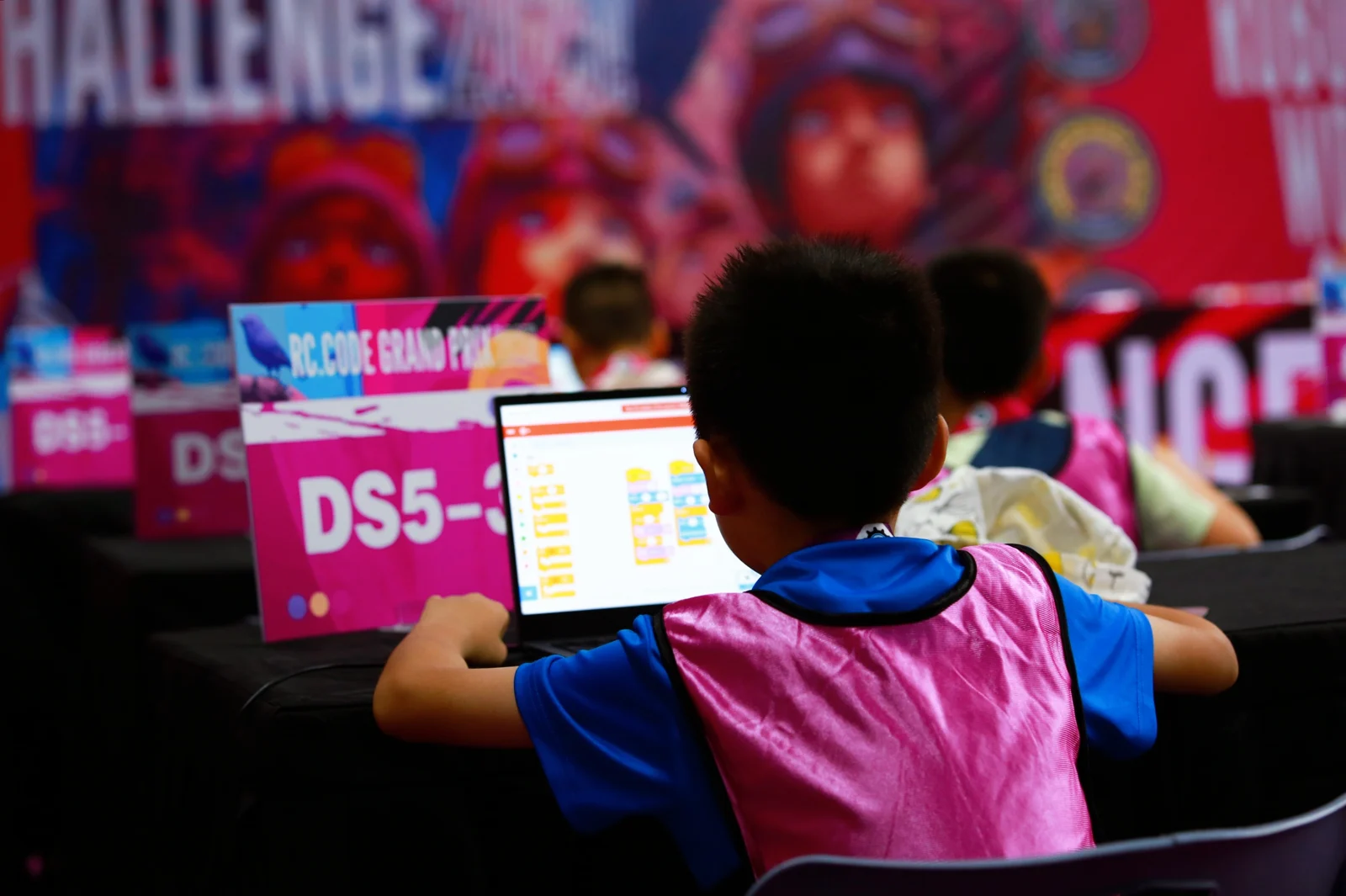
A competitor programming in Scratch on a computer
At a past RC.CODE competition

2026–2027 / SEASON SCHEDULE

Make competition part ofyour year ahead.

Start with the competition dates, then allow time to register and prepare.

All times below are Beijing time (UTC+8)

Scratch · Python · C++

Three-language online competition

6China preliminaries
1global online final

Preliminary registration opens

  1. 2026Round 1
  2. 2026Round 2
  3. 2027Round 3
  4. 2027Round 4
  5. 2027Round 5
  6. 2027Round 6
Qualify independently in each roundTOP 60%

Calculated within the same language and group. Qualification is valid for the World Online Final in that language and group.

2027 / TOGETHER WORLDWIDE

World Online Final

April
Registration opens
Registration closes

Language-specific sessions and times will be announced separately.

GLOBAL CALL FOR PROJECTS · GROUPS A / B

CreatiCode

Individual entriesEach competitor may enter one eligible group and submit one project.

  1. 2027

    Registration opens

    Register through the official RC registration system.

  2. 202718:00

    Registration and project submission close

    The last complete set of materials successfully submitted before the deadline will be used.

  3. 2027

    Group awards announced

    Groups A and B are assessed and ranked separately on a global basis.

Prepare materials for your group

Age is calculated as of 1 September 2026.

Group A Age ≤ 10
2 required items
  • Block-based projectComplete editable project, including assets
  • Demonstration videoUp to 1 minute · MP4
Group B Age ≤ 14
3 required items
  • Project or source codeComplete editable program, including assets
  • Demonstration videoUp to 2 minutes · MP4
  • Project introduction1-page PDF; no cover or appendices

Five assessment dimensions

Maximum 100 points
CriterionGroup AGroup B
Theme and creativity2520
Program implementation3030
Experience and expression1510
Development and improvement1020
Individual understanding2020

WORLD ONLINE / RESULTS AND HONOURS

Earn recognition in
your event and group.

Three-language finals
Global rankings within each language and group.
CreatiCode
Separate global assessment and rankings for Groups A and B.
Cumulative award thresholdsEach competitor receives only the highest award they qualify for
Gold
TOP 3%
Silver
TOP 10%
Bronze
TOP 20%
First Prize
TOP 40%
Second Prize
TOP 70%
Third Prize
All other eligible competitors with valid results
Three-language contests
The raw maximum score is 400. Official scores are equated and displayed on a 200–800 scale, and are comparable only within the same language and group.
CreatiCode
The three-language score equating does not apply. Programming language difficulty, code length, layout and editing do not directly earn extra points.

ON SITE / RC.CODE GRAND PRIX

Compete in person.Share ideas across borders.

The RC.CODE Grand Prix is planned for August 2027, alongside the ROBOTCHALLENGE international robotics gathering.

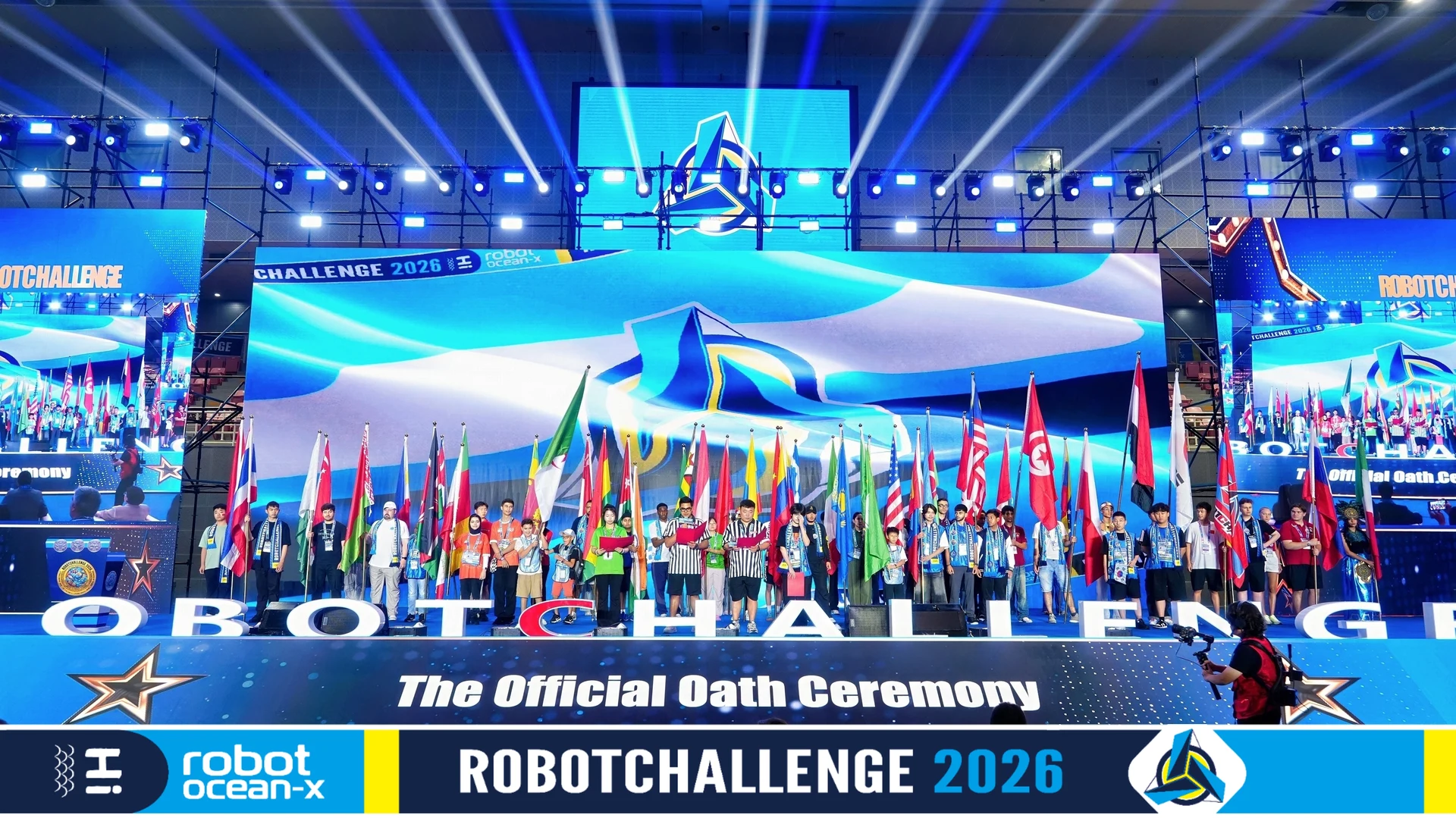
Representatives from different countries stand on the same stage holding national flags at the ROBOTCHALLENGE 2026 opening ceremony.
ROBOTCHALLENGE 2026 opening ceremony · representatives together on stage

GRAND PRIX / TEAMWORK

Two-person Alliance Challenge

The Alliance Challenge is available in every Scratch, Python and C++ group. After the regular individual contest, competitors in the same language and group may freely form two-person alliances within the designated period, including with partners from other countries and regions.

2 people
Form one alliance
3 problems
Programming tasks to solve together
40 minutes
Shared problem-solving time
  1. Choose your teammateAfter the individual contest, find a partner in the same language and group.
  2. Solve togetherRead the problems, discuss approaches, and share implementation and checking.
  3. Team rankingsAlliance Challenge results determine team rankings and awards.

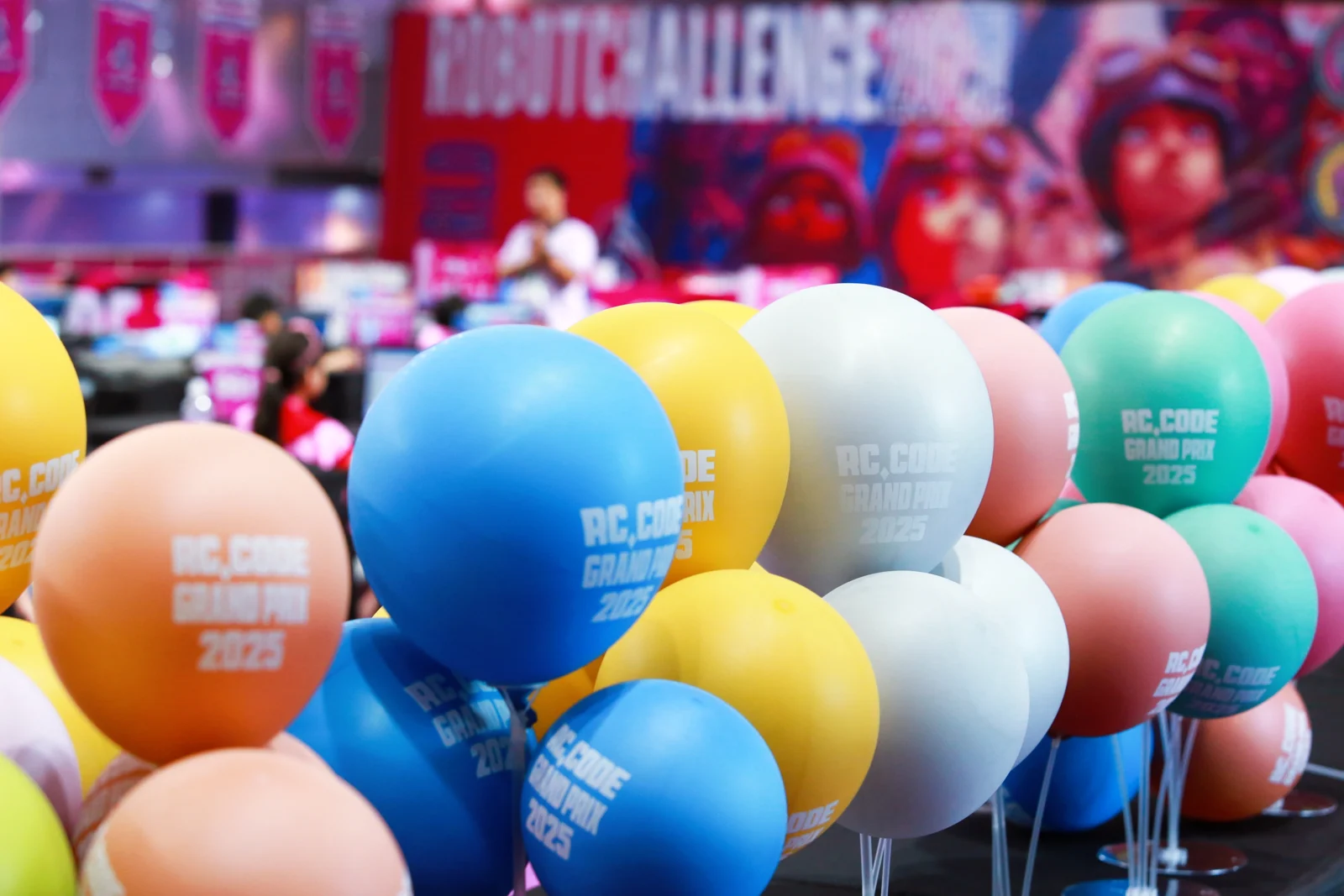
For every problem solved, a corresponding balloon is raised so that progress is visible across the competition floor.

Colourful balloons bearing the event logo at the RC.CODE GRAND PRIX 2025 venue
RC.CODE Grand Prix · balloons at the 2025 event

Alliance honours

  • Gold ChampionGold trophy · international certificate
  • Silver StrategistSilver trophy · international certificate
  • Bronze VanguardBronze trophy · international certificate

This season’s team formation, contest and award arrangements are subject to the relevant Grand Prix notice.

Future Scientists Summit

Outstanding online competitors may also have the opportunity to attend the Future Scientists Summit, meet international peers and explore how technology is applied in real settings. Eligibility and arrangements for the new season are subject to the Summit notice.

At the Summit held in Beijing’s Yizhuang on 10 August 2026, competitors listened to experts, asked questions and visited a smart manufacturing site.

A speaker shares ideas on stage at the 2026 Future Scientists Summit, with the audience listening below.
2026 Future Scientists Summit · exchanging ideas on site
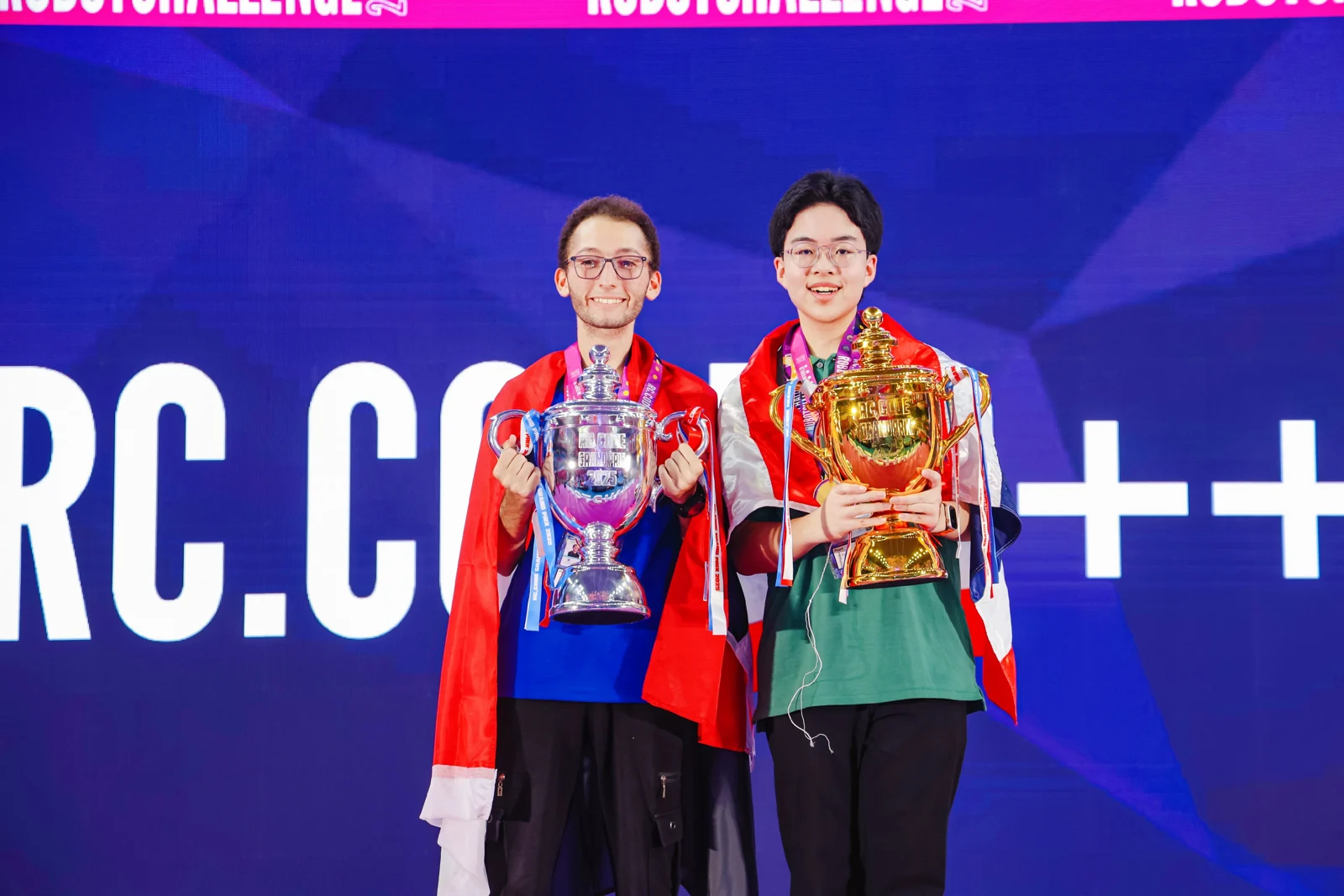
Two award winners pose with trophies bearing the RC.CODE GRAND PRIX logo at the Grand Prix awards ceremony.

RC.CODE 2027

Bring your ideas.Join the world.

Solve with code. Express through projects.

REGISTRATION AND COMPETITION ENQUIRIES

Get readyfor a new season.

For the full RC.CODE season notice, participation guidance or questions about the rules, visit the official website or contact Teacher Yezi.